


Introduction
While many testers today are exploring AI tools, I focused on understanding how applications behave under real-world load conditions..
As a QA engineer, my focus has mostly been on functional testing. But one important question always stayed in my mind:
- What happens when multiple users access the system at the same time?
- Will the application still respond quickly?
- Or will it fail under pressure?
To answer these, I started working with k6, a modern and lightweight load testing tool.
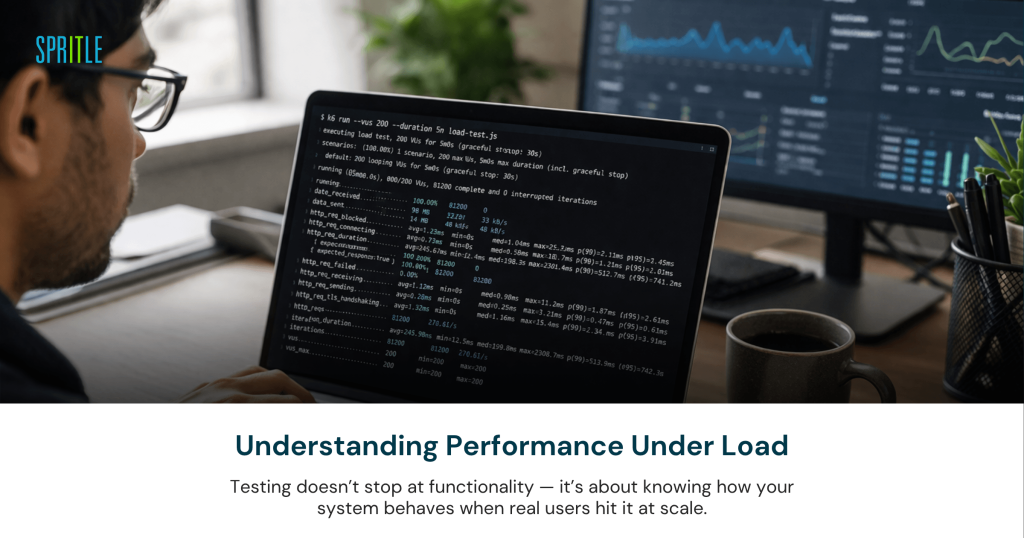
Why Load Testing Matters
Functional testing answers:
Does the feature work?
But performance testing answers:
Will it still work under load?
In real-world systems, performance directly impacts user experience.
That’s why load testing is not optional—it’s essential.
Getting Started with k6
I started with a simple script:
import { check, sleep } from 'k6';

export const options = {
  vus: 50,        // 50 virtual users
  duration: '15s', // run for 15 seconds
};

export default function () {
    // Mock Add Employee request
    const res = { status: 201 }; // simulate success
    check(res, { 'employee added (mock)': (r) => r.status === 201 });
    sleep(1);
}
With just a few lines, I was able to simulate multiple users hitting an application simultaneously.
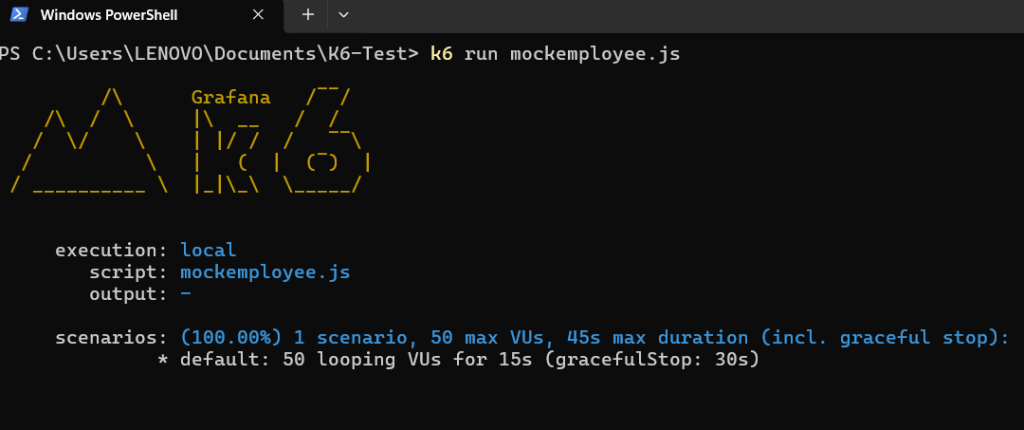
Running the Test
k6 run tests.js
k6 runs directly from the command line and immediately starts generating load.
Understanding the Results
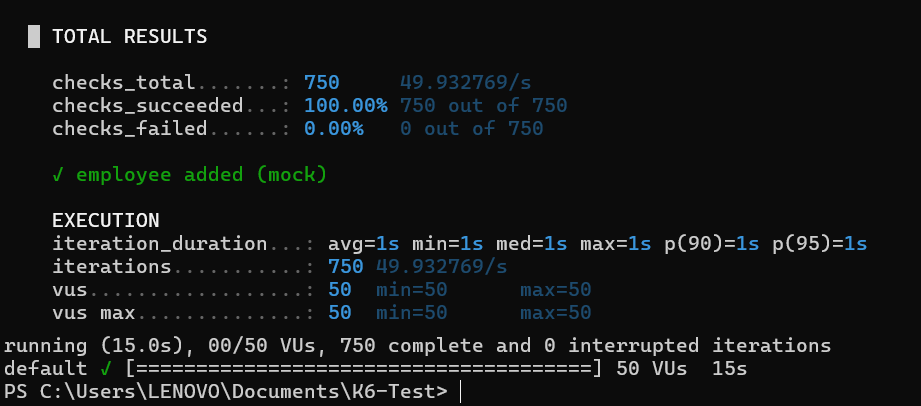
k6 provides key performance metrics:
- Response Time (P95, P99) → Real user experience
- Error Rate → Failures during execution
- Requests per Second (RPS) → Throughput
- Virtual Users (VUs) → Load simulation
These metrics help evaluate how stable and scalable an application is.
Real Challenges I Faced
Demo Application Limitations
While testing demo apps:
- Some actions were blocked
- APIs behaved inconsistently
Learning: Demo environments are not always reliable.
UI vs API Testing
UI-based load testing was:
- Slow
- Inconsistent
Switching to API testing provided:
- Faster execution
- More accurate results
Learning: API-level testing is more reliable.
Understanding Metrics (Initial Struggle)
Initially, metrics like P95 and P99 were confusing.
Later I understood:
P95 latency reflects real user experience better than averages
Learning: Understanding metrics is as important as running tests.
k6 vs Apache JMeter – A Practical Comparison
| Feature | k6 | Apache JMeter |
| Setup | Lightweight, quick install | Heavier setup |
| Interface | CLI-based | GUI-based |
| Scripting | JavaScript | GUI + scripting |
| Performance | Fast, low resource usage | Can be resource-heavy |
| CI/CD | Easy integration | Moderate |
My Take:
- k6 is ideal for modern API testing & automation
- JMeter is useful for GUI-based and legacy testing
AI + Load Testing
I also explored AI-based testing tools that can:
- Generate test cases
- Simulate user flows
However:
AI tools are helpful, but strong fundamentals provide better control and accuracy.
Key Takeaways
- Start small and scale gradually
- Prefer API testing over UI testing
- Understand metrics before scaling
- Focus on real-world scenarios
- Fundamentals > Tools
Rethinking Testing with k6
This experience changed how I approach testing.
Testing is not just:
Does it work?
But also:
Will it still work under pressure?
Working with k6 helped me understand performance testing from a practical perspective and gave me the confidence to analyse real-world system behaviour.


